
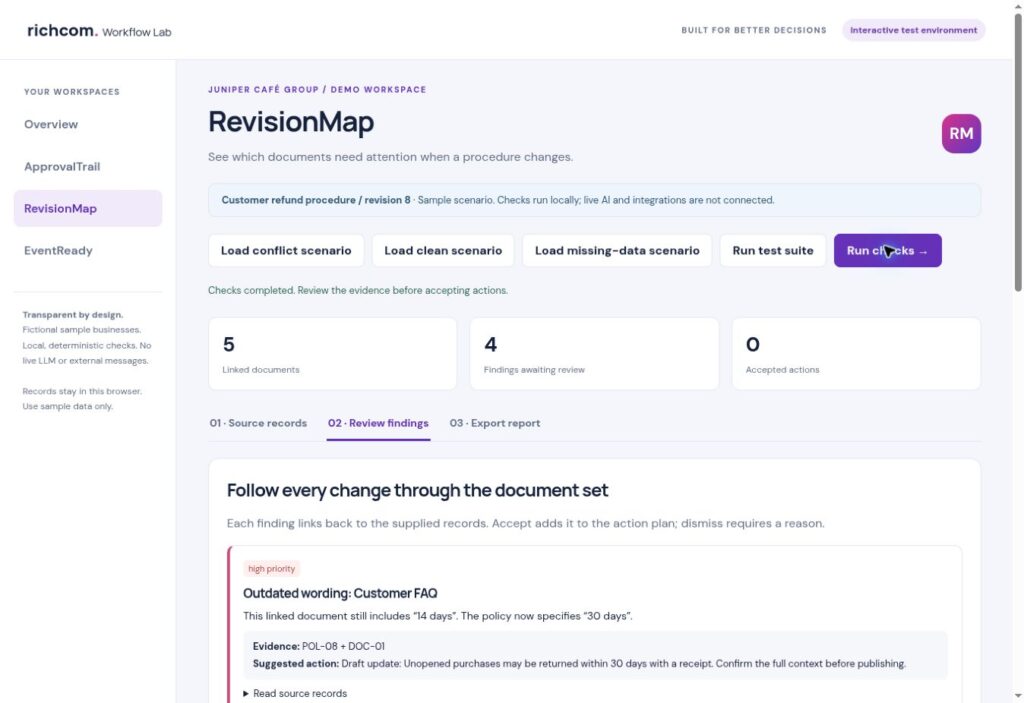
Find outdated wording, identify linked documents and assign the update work before inconsistent instructions reach your team.
Richcom Technology Editorial · Workflow guide · Updated 19 October 2026
This guide uses a fictional demonstration business. Screenshots in the accompanying PDF come from the working RevisionMap test interface. The prototype uses structured records and local rules; live AI processing is not connected.
The change is bigger than the policy file
Changing a procedure often leaves a second task hidden behind the first: updating the places where people actually read instructions. A policy can be correct while a training checklist, quick guide or FAQ still contains its previous wording. RevisionMap is designed around that handover problem. It makes affected records and missing ownership visible before the change is treated as complete.
Define the change precisely
Record the policy source, the topic, the old value and the new value. Keep the approved context available to the reviewer. A change from 14 days to 30 days is easy to demonstrate, but the scope still matters: which products, which circumstances and which branches does it cover? The software should not extend the new rule to cases the policy does not address.
Maintain a dependency register
List the manuals, forms, FAQs and checklists that refer to each procedure. Give every record an ID, owner and topic tags. This register is useful even before an AI model is connected. It creates an explicit starting point for checking a change and makes responsibility visible. A future semantic search layer could suggest additional dependencies, but those suggestions would need confirmation.
Walk through the café example
The fictional Juniper Café Group example changes a return window from 14 days to 30 days. The Customer FAQ and Branch induction checklist still use the old value. A linked till-side guide does not state the new value and has no owner. The opening checklist concerns a different topic. The demo produces four findings rather than rewriting every document indiscriminately.
Treat replacement wording as a draft
RevisionMap shows a proposed replacement next to the policy and document references. A reviewer needs to confirm the complete sentence and its context. Simple value substitution can produce awkward grammar or an instruction that omits a condition. Accepting a finding records update work; it does not publish a document or establish that the new wording is operationally correct.
Close the ownership gap
For each affected document, name the person or team responsible for reviewing and publishing the change. Record the decision in a review note. An impact report can then distinguish accepted work, dismissed findings and items still awaiting review. Exporting this report gives the update owner a practical checklist, while the source register preserves the basis for each suggestion.
Test beyond the happy path
The current workspace includes conflict, clean and missing-policy scenarios. Try a correct document, an unrelated mention of the old value and a document with no owner. A clean result means no issue was found by the implemented rules; it does not prove every dependency has been discovered. Before a client pilot, use a separate evaluation set containing real document structures and unusual policy conditions.
Current scope and the AI extension
The working demo uses structured policy records, explicit topic links and text-value checks. It does not read a live document repository or automatically update manuals. The planned LLM layer would help interpret less structured documents and propose explanations, with source references and approval retained. Model usage would be limited to GPT-6.1 Sol or a tested equivalent, with credentials held server-side and budget limits agreed.
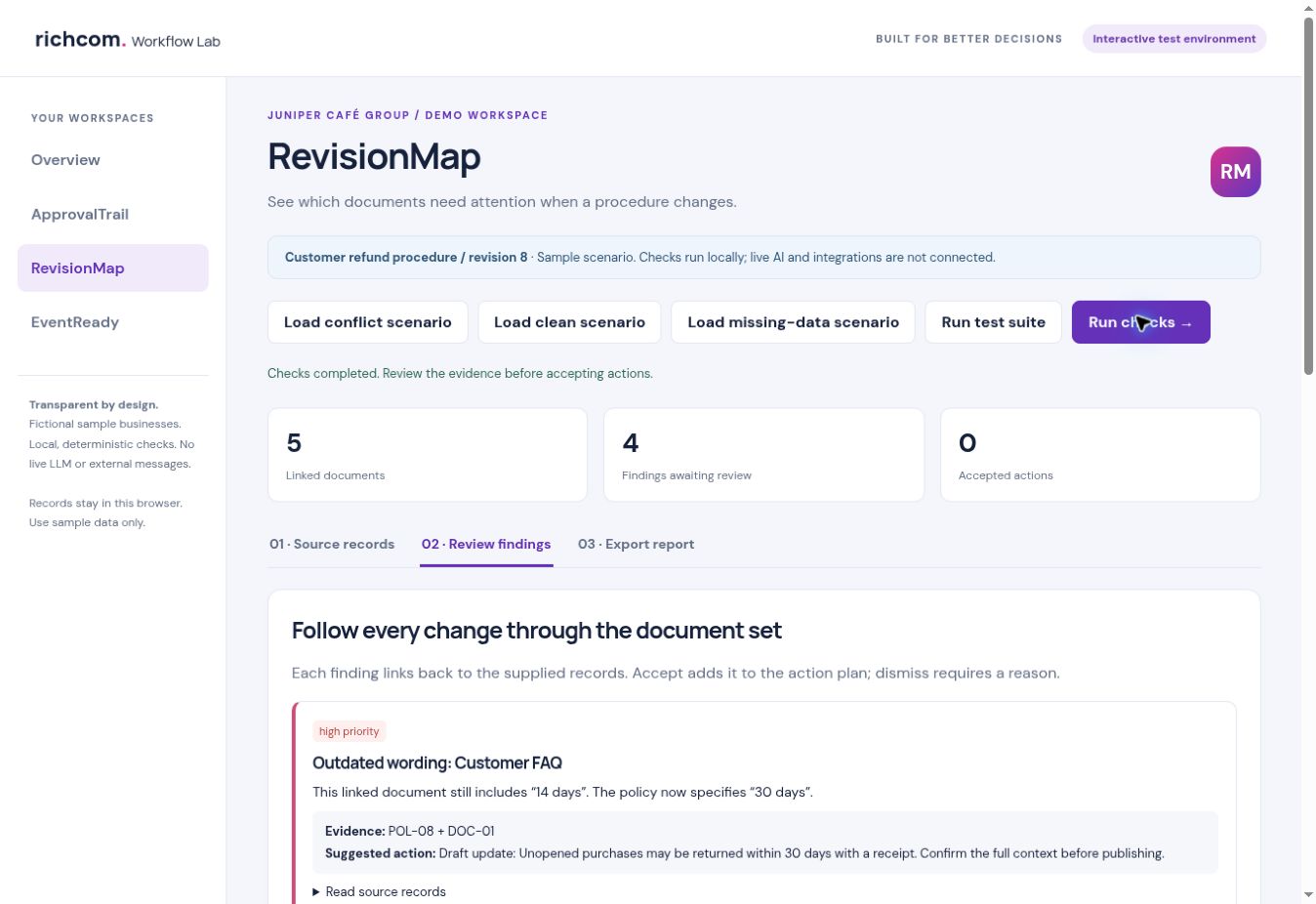
Explore RevisionMap
Download the step-by-step RevisionMap PDF with colour screenshots.
See the RevisionMap product page, request a guided demonstration, or browse the Business Software & AI hub.
Related workflows: ApprovalTrail · EventReady.