
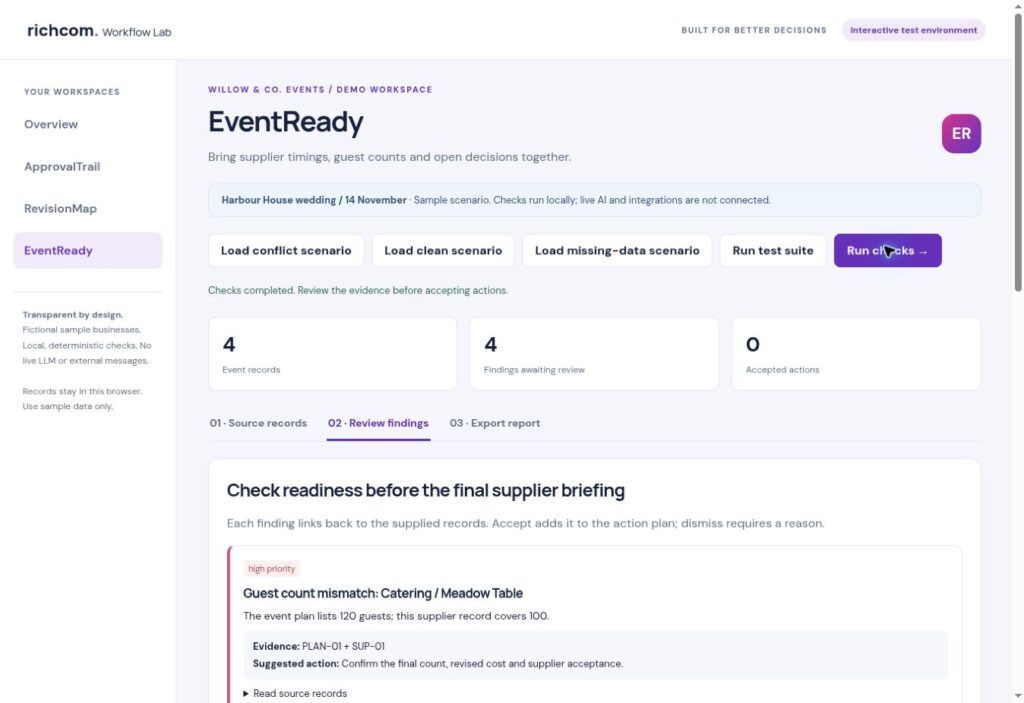
Compare the agreed event plan with supplier counts, access requirements and setup times, then prepare a briefing your team can review.
Richcom Technology Editorial · Workflow guide · Updated 19 October 2026
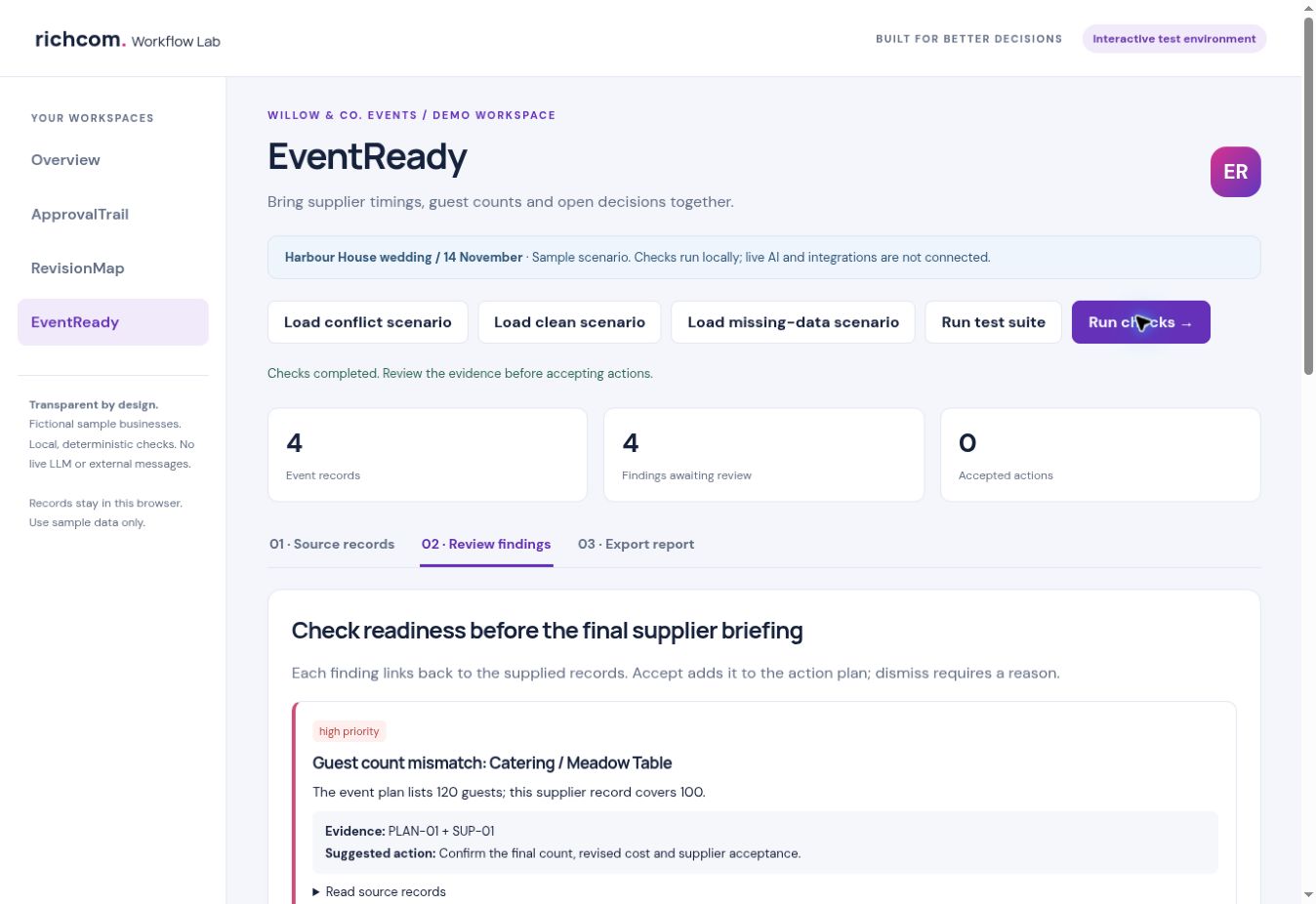
This guide uses a fictional demonstration business. Screenshots in the accompanying PDF come from the working EventReady test interface. The prototype uses structured records and local rules; live AI processing is not connected.
One event can have several competing plans
The guest list, venue agreement and supplier quotations may each describe a slightly different event. A caterer can work from an earlier headcount while a florist plans a setup window that overlaps the ceremony. A useful readiness review compares these commitments against one agreed reference and asks for confirmation where they differ. It should not silently choose which supplier promise takes priority.
Create an agreed reference plan
Record the guest count, venue access time and ceremony or event start time. Give that plan a source ID and retain the underlying agreement in your operational records. The current EventReady demonstration uses same-day HH:MM times. More complex events need dated schedules and explicit time zones rather than assuming that every time belongs to the same day.
Separate commitments from assumptions
For each supplier, record what has actually been agreed: quantities, setup start, setup finish and a responsible contact. Avoid treating a requested arrival time as approved venue access. If the record is incomplete, ask the supplier or planner for confirmation. This keeps a tidy dashboard from creating false confidence about an arrangement that has not been made.
Walk through the wedding example
The fictional Willow & Co. Events plan has 120 guests, access from 10:00 and a ceremony at 15:00. Catering currently covers 100 meals. Floral setup ends at 15:30. Sound setup begins at 09:00, and its confirmation owner is missing. The workspace raises four findings, each linked to the plan or supplier source that supports it.
Resolve the discrepancy rather than hiding it
A guest-count mismatch may require a revised quotation as well as an updated number. A setup conflict may require a changed arrival time, an additional crew or explicit venue permission. Record who will obtain that confirmation and what remains open. Accept for action means the finding has entered the action plan; it does not mean the supplier has accepted a new commitment.
Prepare the final supplier briefing
Open the report after reviewing the findings. It preserves the evidence, suggested action, review note and any unreviewed items. Use the text export as a working briefing and the JSON export for the structured audit. The demo does not send supplier messages, make bookings or agree prices. Those actions should follow the planner’s approval process.
Test the checks and understand their limits
The built-in scenarios cover conflicting commitments, a clean example and a supplier list without the reference plan. All have explicit expected findings. These examples test the implemented rules rather than comprehensive event readiness. Capacity, accessibility, dietary requirements, travel time, weather and other operational matters are outside this demo’s checks and need their own review.
Where paid AI can add value
A later LLM integration could extract draft commitments from permitted supplier documents and suggest targeted questions. The planner would verify those extracted facts before they affect the schedule. The intended model ceiling is GPT-6.1 Sol or a tested equivalent, with server-side credentials and usage caps. The current test environment uses structured records and deterministic checks; live language-model processing and external integrations are not connected.
Explore EventReady
Download the step-by-step EventReady PDF with colour screenshots.
See the EventReady product page, request a guided demonstration, or browse the Business Software & AI hub.
Related workflows: ApprovalTrail · RevisionMap.