
Keep the approved brief, reviewer comments and revision decisions together before your team edits the next version.
Richcom Technology Editorial · Workflow guide · Updated 19 October 2026
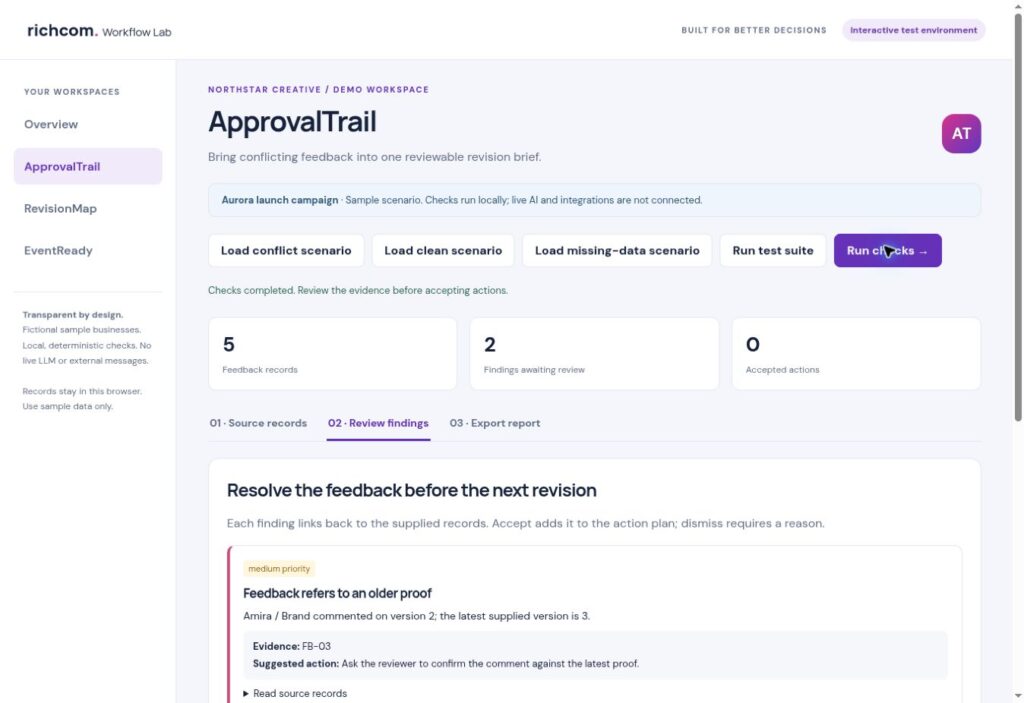
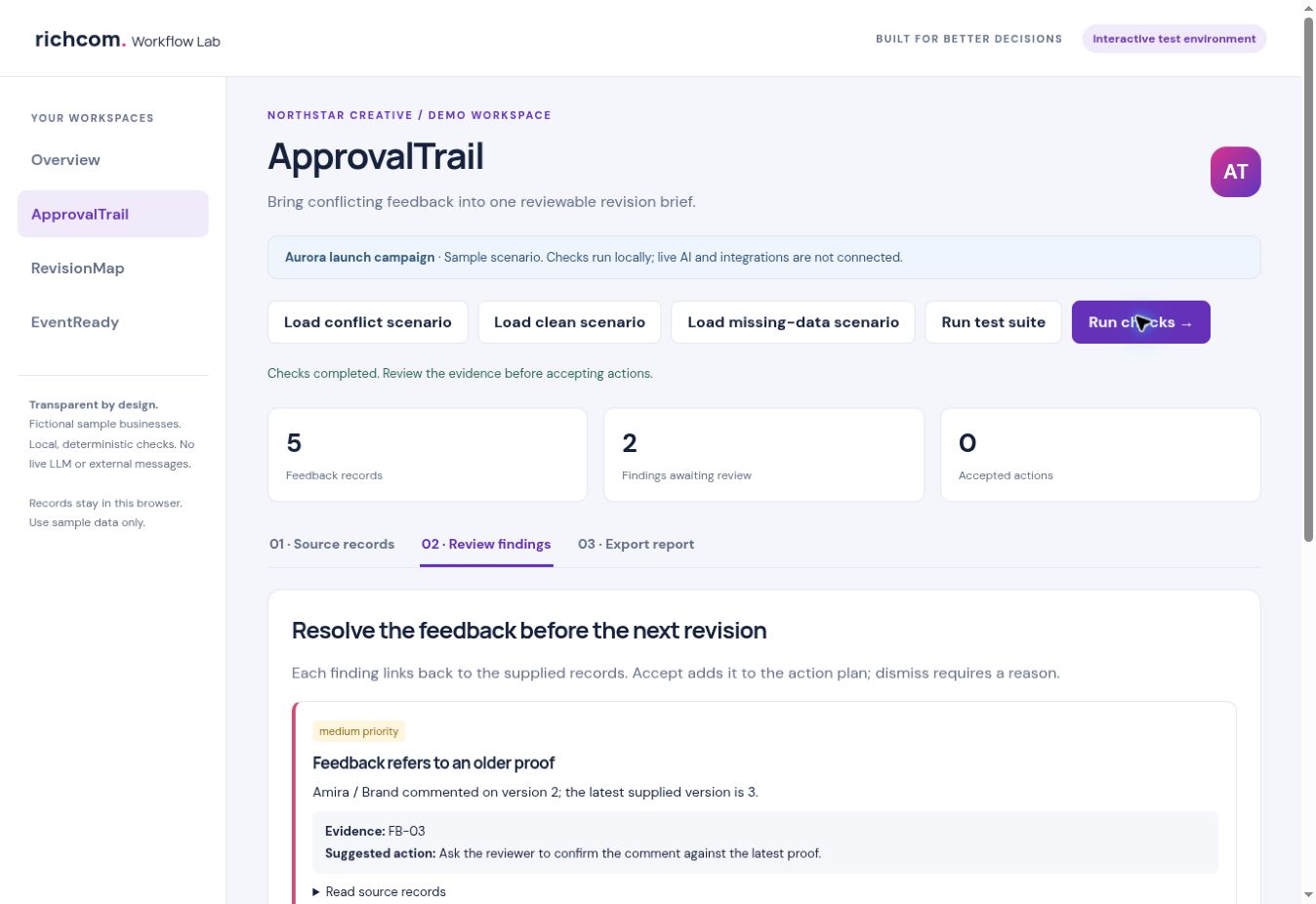
This guide uses a fictional demonstration business. Screenshots in the accompanying PDF come from the working ApprovalTrail test interface. The prototype uses structured records and local rules; live AI processing is not connected.
Why a longer feedback list is not always a better brief
A designer can receive several individually reasonable comments that cannot all be implemented together. One stakeholder wants a headline retained while another wants it replaced. Someone else reviews an older proof. Forwarding every message to the production team leaves that team to make decisions it may not own. A useful review process separates comments, conflicts and approved instructions.
Start with an approved reference
Keep the accepted brief and identify the current proof version. Give every comment a source ID, reviewer, topic and version. Preserve the original wording even when you summarise it. These records make it possible to explain why a conflict was raised rather than asking the client to trust an unexplained warning. They also stop an old request from appearing to be a new instruction.
Group feedback around the decision
Collect comments about the same item, such as the headline, logo or call to action. Two differently worded comments can agree, while two polite comments can demand incompatible outcomes. A production AI implementation could help interpret free text, but its proposed grouping would still need review. ApprovalTrail’s current test workspace uses explicit topics and decisions so the rule behaviour is visible and repeatable.
Walk through the campaign example
In the fictional Northstar Creative campaign, the approved reference and Marketing say to keep the headline. Sales requests a replacement on the same version. The workspace flags this disagreement with references to BRIEF-01, FB-01 and FB-02. It separately flags a logo comment on version 2 when version 3 is supplied. The next step is to obtain a decision, not to let the software choose the preferred creative direction.
Record the decision before issuing the brief
Add a review note that says who will resolve the question and what they must confirm. Accept for action adds the finding to the reviewed action list. It does not mean the artwork has been approved. Dismissal requires a reason; the finding can be reopened. This distinction matters when a revision brief is handed to someone who was not present in the client discussion.
Export a brief that preserves open questions
The report includes findings, sources, suggested next steps, review notes and an audit trail. Unreviewed findings remain visible. Export the text report for a working handover or the JSON audit to retain the structured records. Before sending anything to a client, check that the brief reflects the authorised decision and that it does not accidentally expose internal commentary.
What the demo proves, and what comes next
The browser demo supports structured records, local conflict checks, review decisions and exports. Its three seeded scenarios test conflicts, agreement and missing information. These checks do not establish accuracy on arbitrary client messages. Live LLM interpretation, email import and shared approvals require a separately configured integration and a representative evaluation set. The intended model ceiling is GPT-6.1 Sol or an equivalent selected through testing, with usage limits agreed for the pilot.
Explore ApprovalTrail
Download the step-by-step ApprovalTrail PDF with colour screenshots.
See the ApprovalTrail product page, request a guided demonstration, or browse the Business Software & AI hub.
Related workflows: RevisionMap · EventReady.